|
Desktops

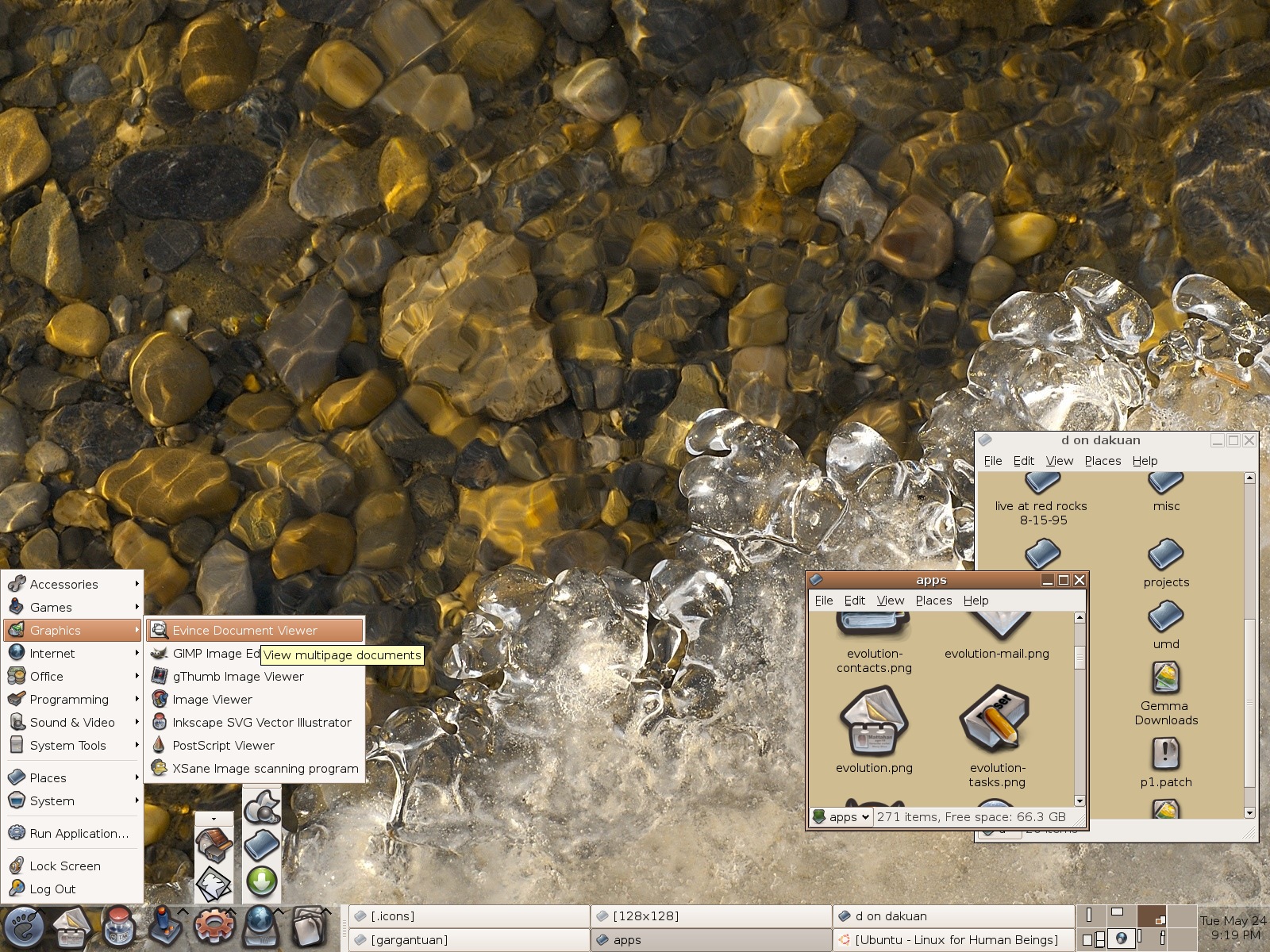
These are screenshots of my past desktops! Be wary, the images are full captures of my screen,
so they are as large as my resolution at the time (meaning: they are very large images). I often use
shell enhancement programs, such as DesktopX and
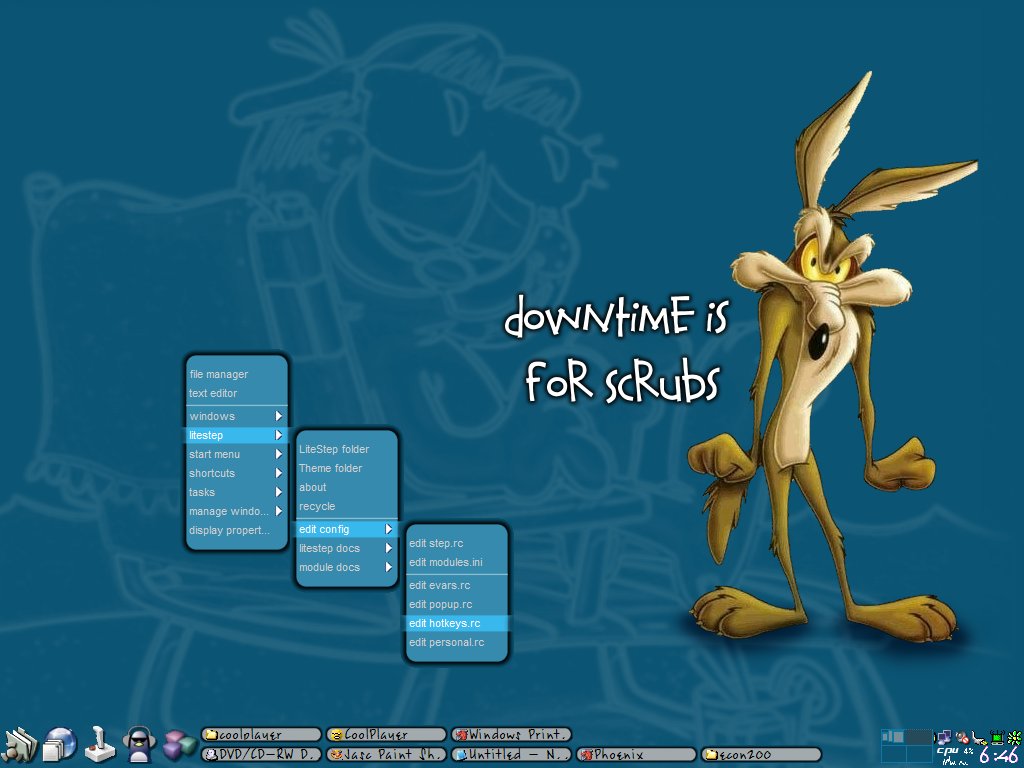
Litestep (my favorite, for windows).
If you're using MS windows,
these programs allow you to completely alter or do away with the windows shell. You can then customize the
look, feel, and operation of just about everything on the desktop. On linux, I usually
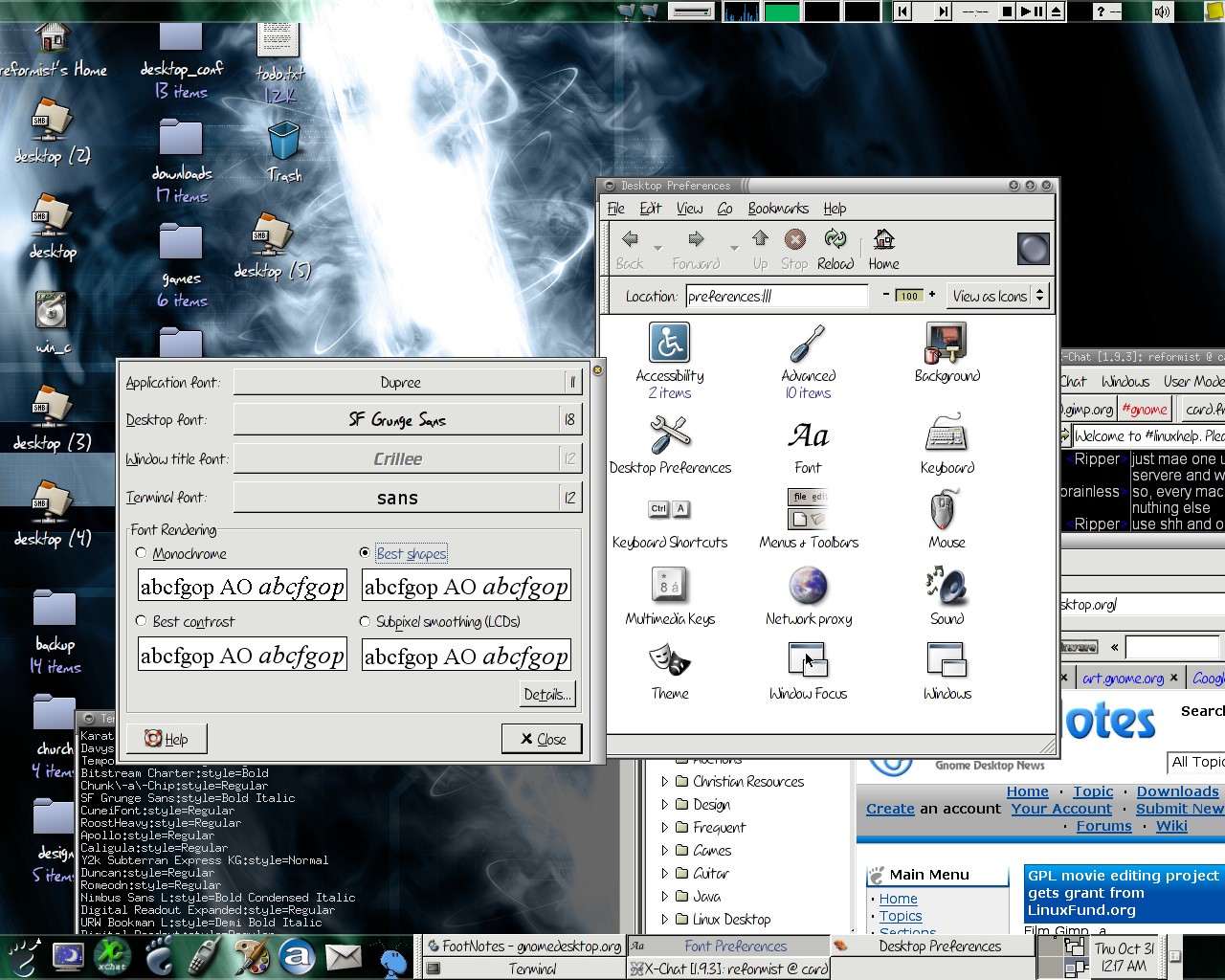
use Gnome and a Gnome-compatible window manager, such as sawfish, to
arrange/draw my desktop.
Note: I either had very little or no part in designing the wallpaper; credit for the wallpapers
goes to their respective authors.
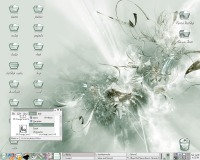 |
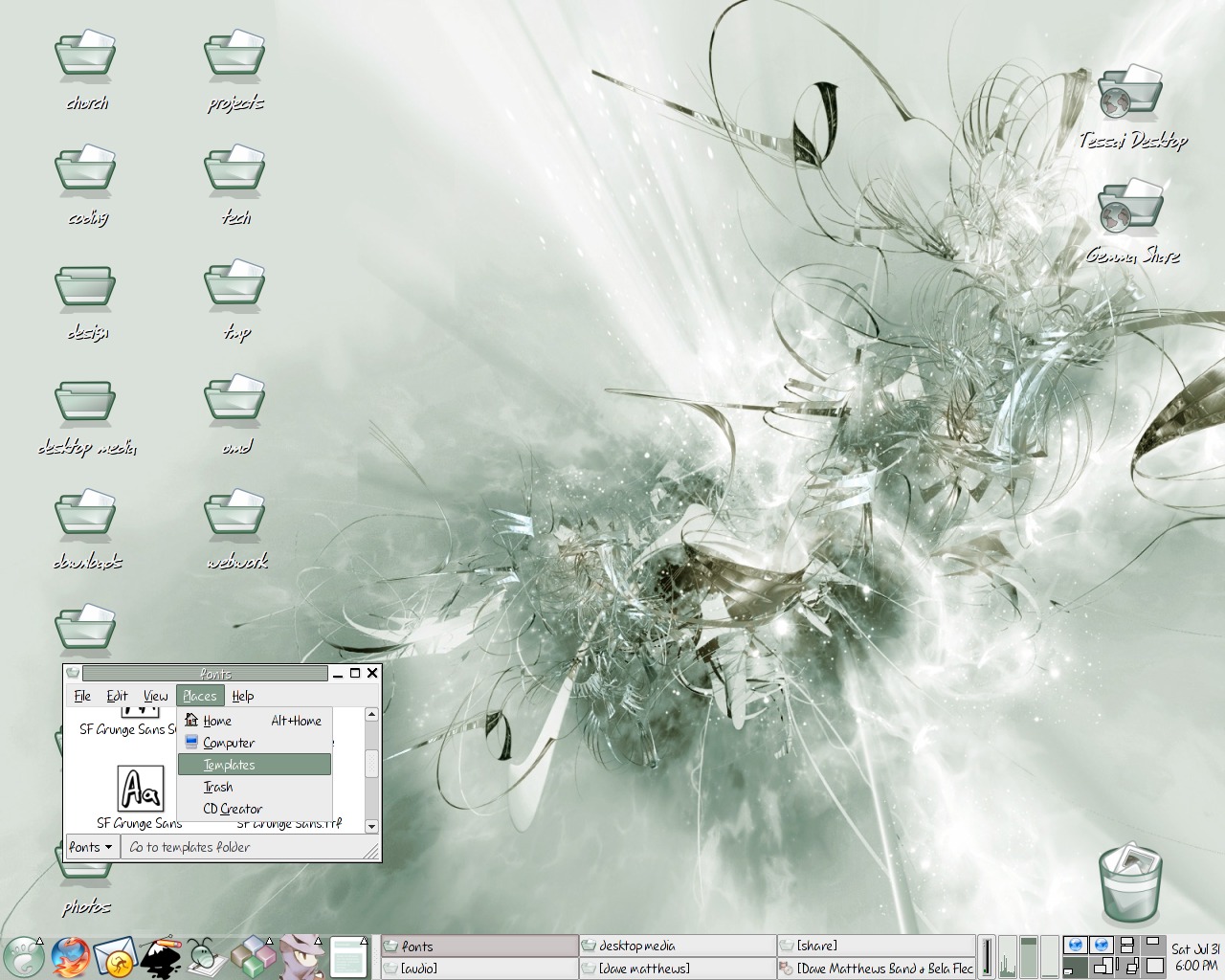
Jul 2004
Fresh update in the color scheme!
The wallpaper is called Relapse, by Aarora.
Icons are modified versions of those in the Zenith package.
|
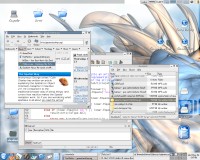 |
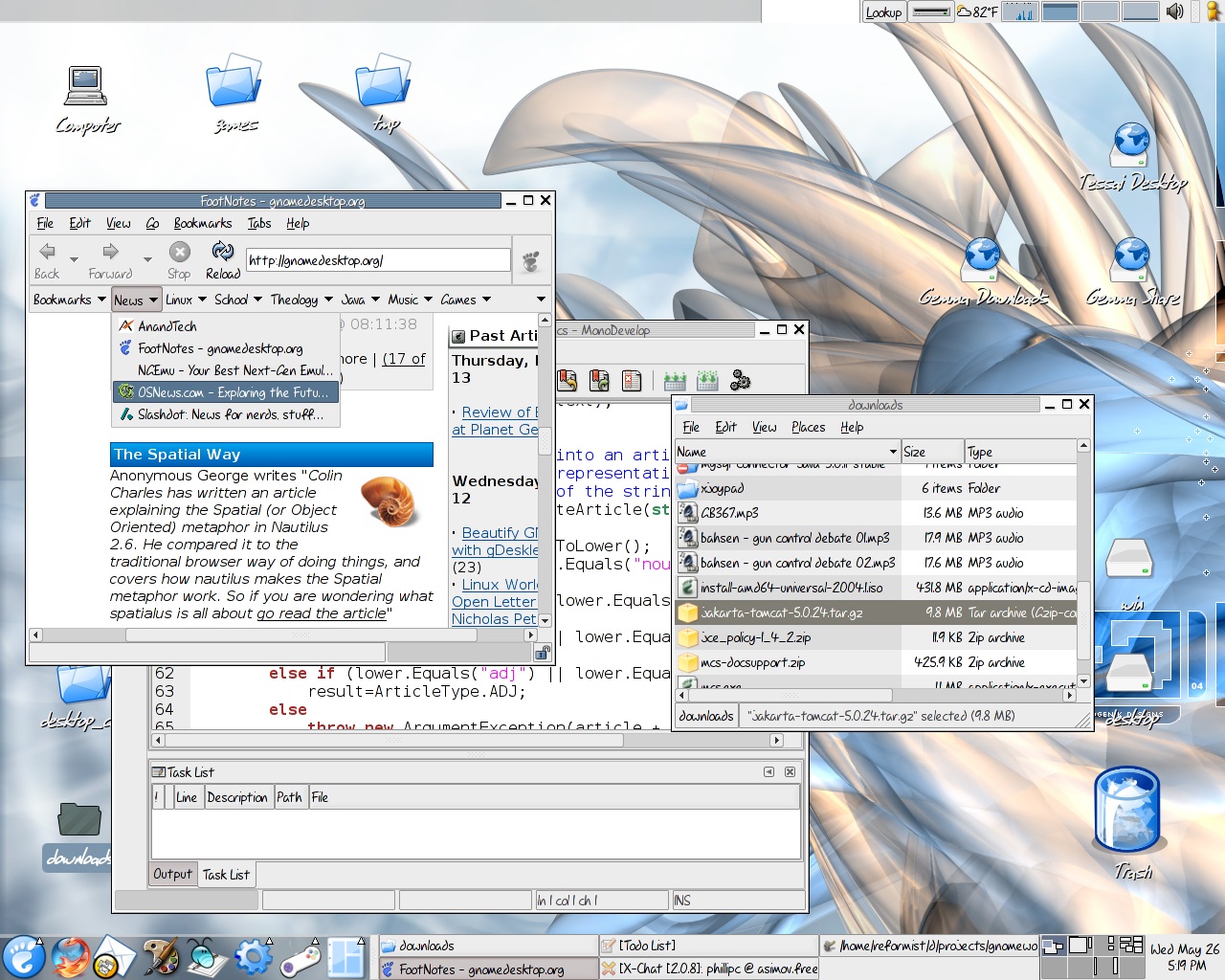
May 2004
A GNOME design that uses a consistent blue and gray color scheme throughout; the background is by Hologenik Designs.
|
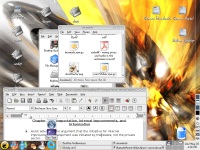 |
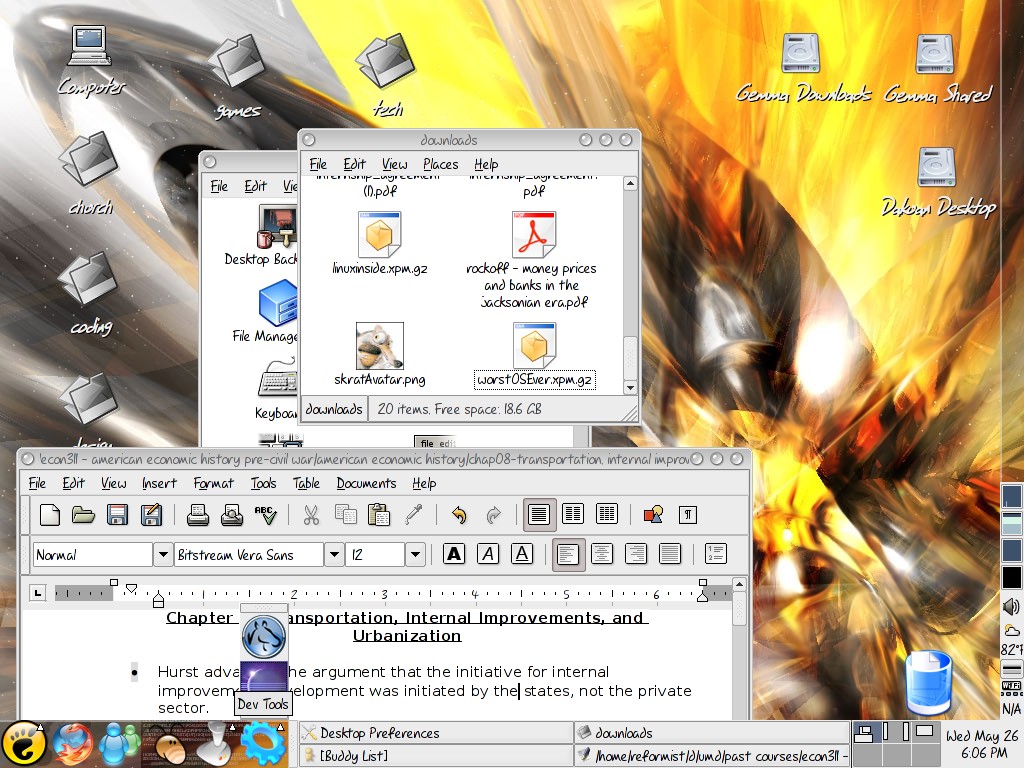
May 2004
A desktop for a laptop running GNOME. Yellow and gray are pervasive. The icon theme is a modified version of Crystal.
|
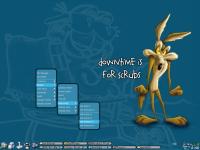 |
Dec 2002
This is a newer design for my newer laptop running windows XP. It is supposed to be very simple as well as cartoonish. The menus in the bottom left corner act as simple "start menus," but custom designed and much faster.
|
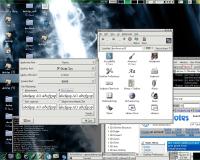 |
Oct 2002
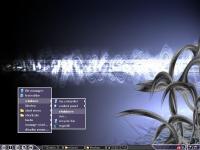
A design for my linux machine, with GNOME 2.0 as the desktop environment. The windows are managed by Sawfish and the fonts are gorgeously rendered by Xft. The top two fonts in the dialog on the screen shot are available in the downloads section.
|
 |
Aug 2002
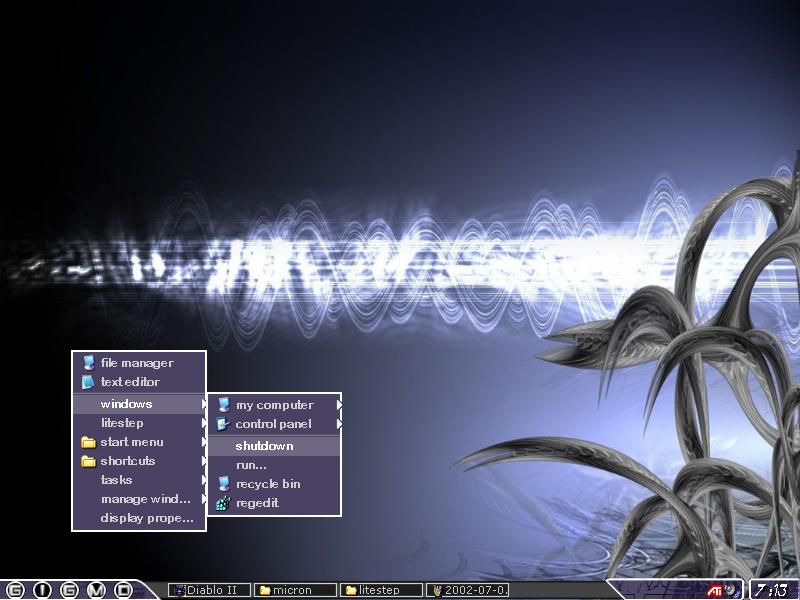
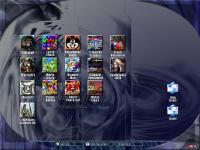
A very space-conservative desktop design for a laptop with only 800x600 max resolution (every pixel was precious) running Windows XP. Tasks could wrap to a second row, not shown in the screenshot. Also, virtual desktops are supported via hotkeys (also not shown).
|
 |
Jul 2002
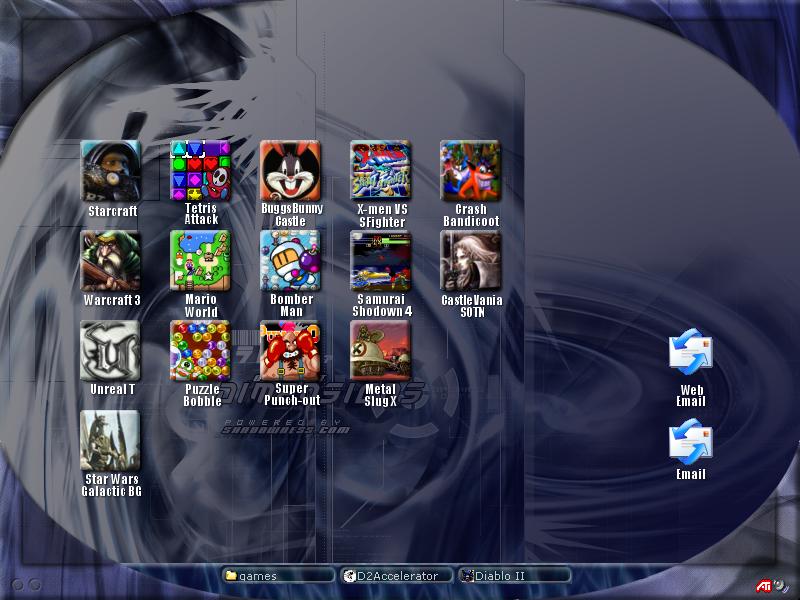
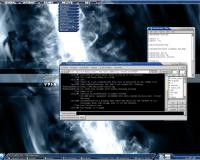
This is a desktop I created for an auxilary machine in my lab for users of the house and non-computer types. The machine was equiped with lots of games, so the large icons (with mouseover effects) made gaming quick and simple.
|
 |
Oct 2001
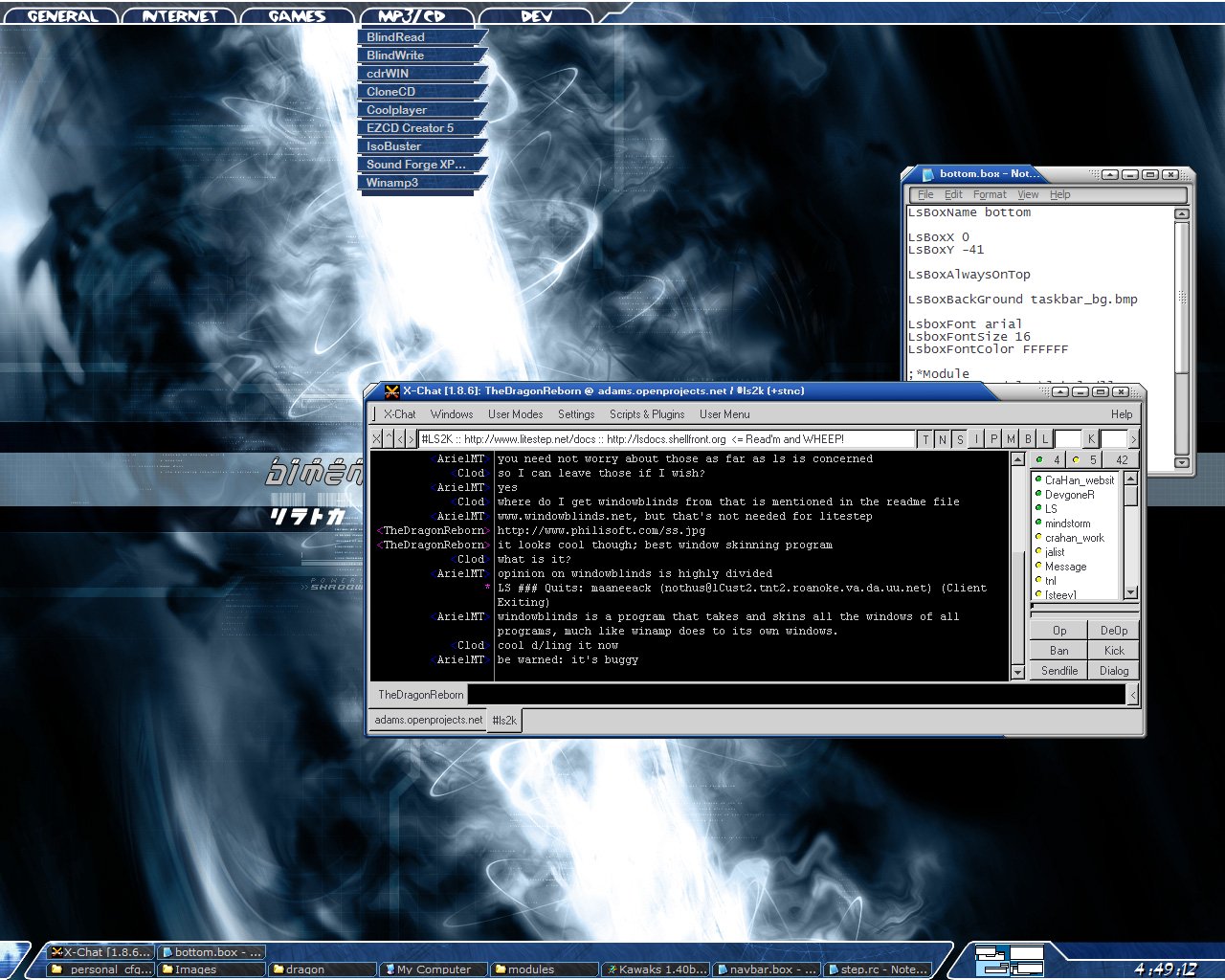
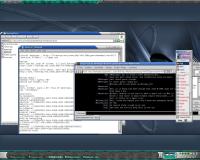
One of my favorite/best designs for windows. This uses litestep and an excellent background by shadowness.com, with navigational menus across the top and 2 rows of tasks on the bottom, with various displays. I'm using WindowBlinds to draw the fancy window borders. This was before I added cpu/mem monitors to the top bar.
|
 |
May 2001
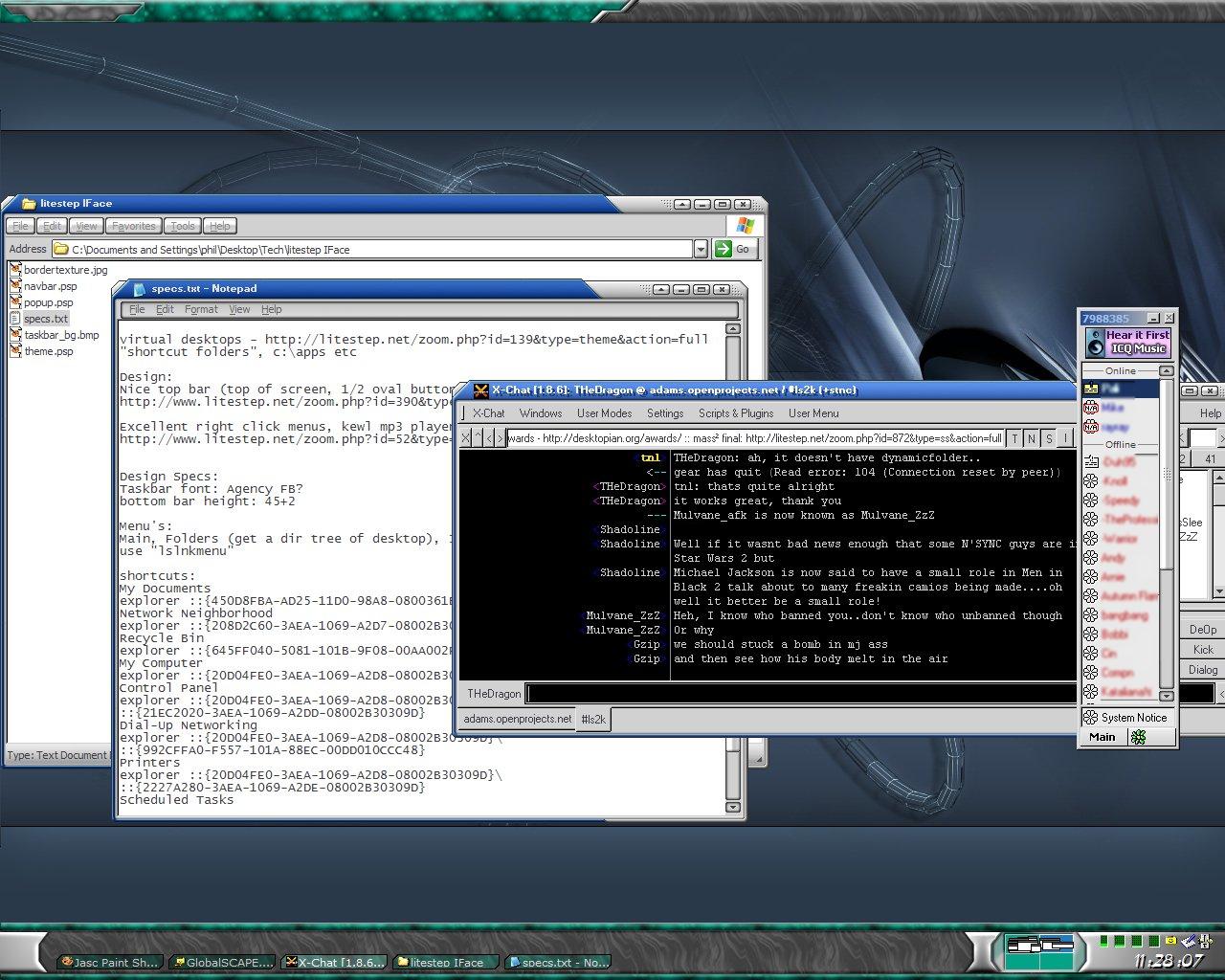
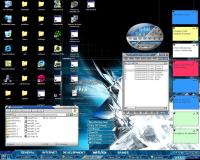
My first design using the great "Litestep" as a shell replacement. The design is incomplete, but I took a screen shot of it anyway. This setup had great functionality but limited display capabilities; when I made this, I didn't have any onscreen meters, shortcut menus, etc. It was mostly hotkey based.
|
 |
Mar 2001
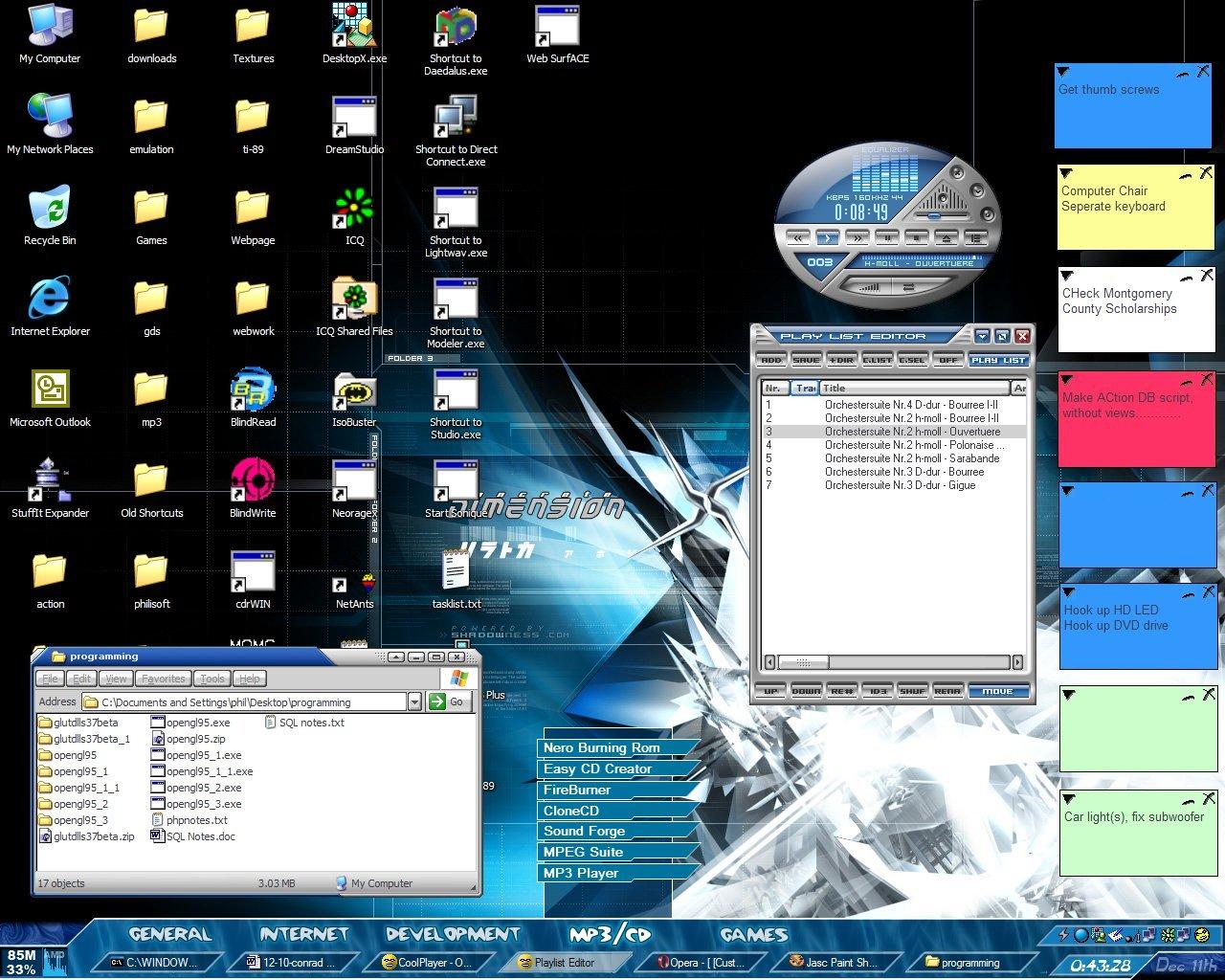
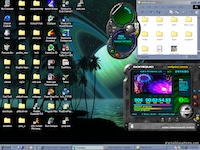
One of my first desktop designs; I was looking at linux at the time and wanted to mimick some of their desktop designs (ala Enlightenment, Gnome) and found the shell enhancement program, desktopX. This was before I started using litestep as my desktop shell. Only 1 row of tasks on the taskbar, but cool menus, and the desktop icons are present on this design.
|
 |
Feb 2000
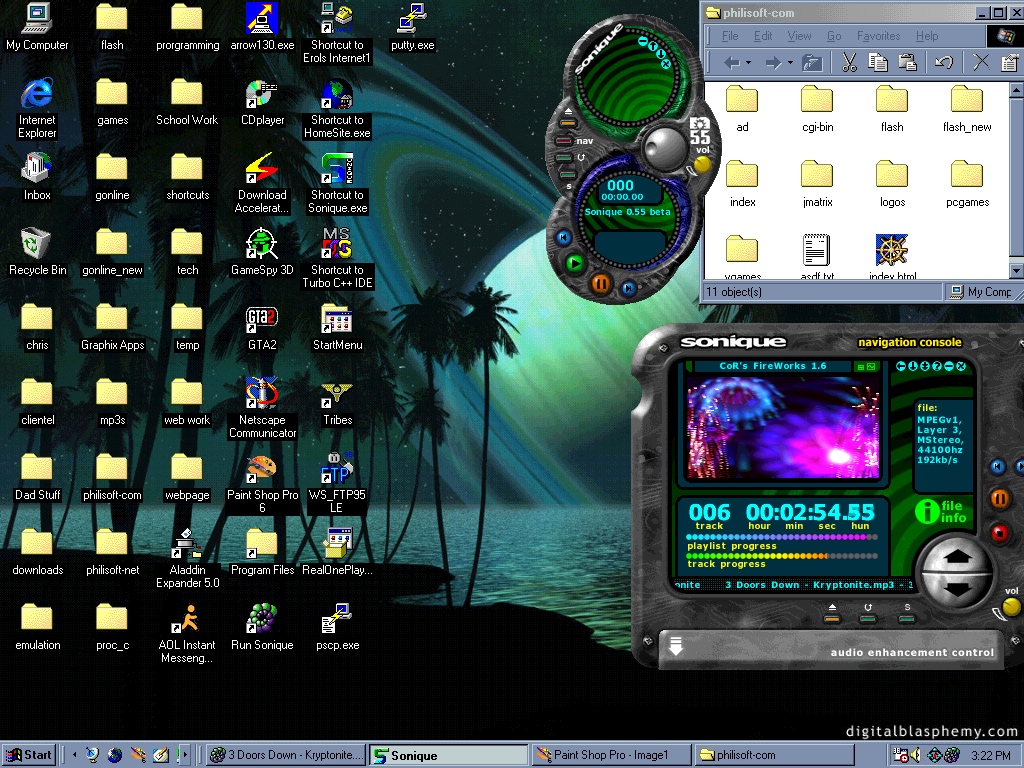
My desktop circa Feb 2000, with the tools of the times: Sonique, Paint Shop Pro, AIM, Homeseite, and Borland Turbo C++! GTA2 for after-hours.
|
|

|